Extras
Games
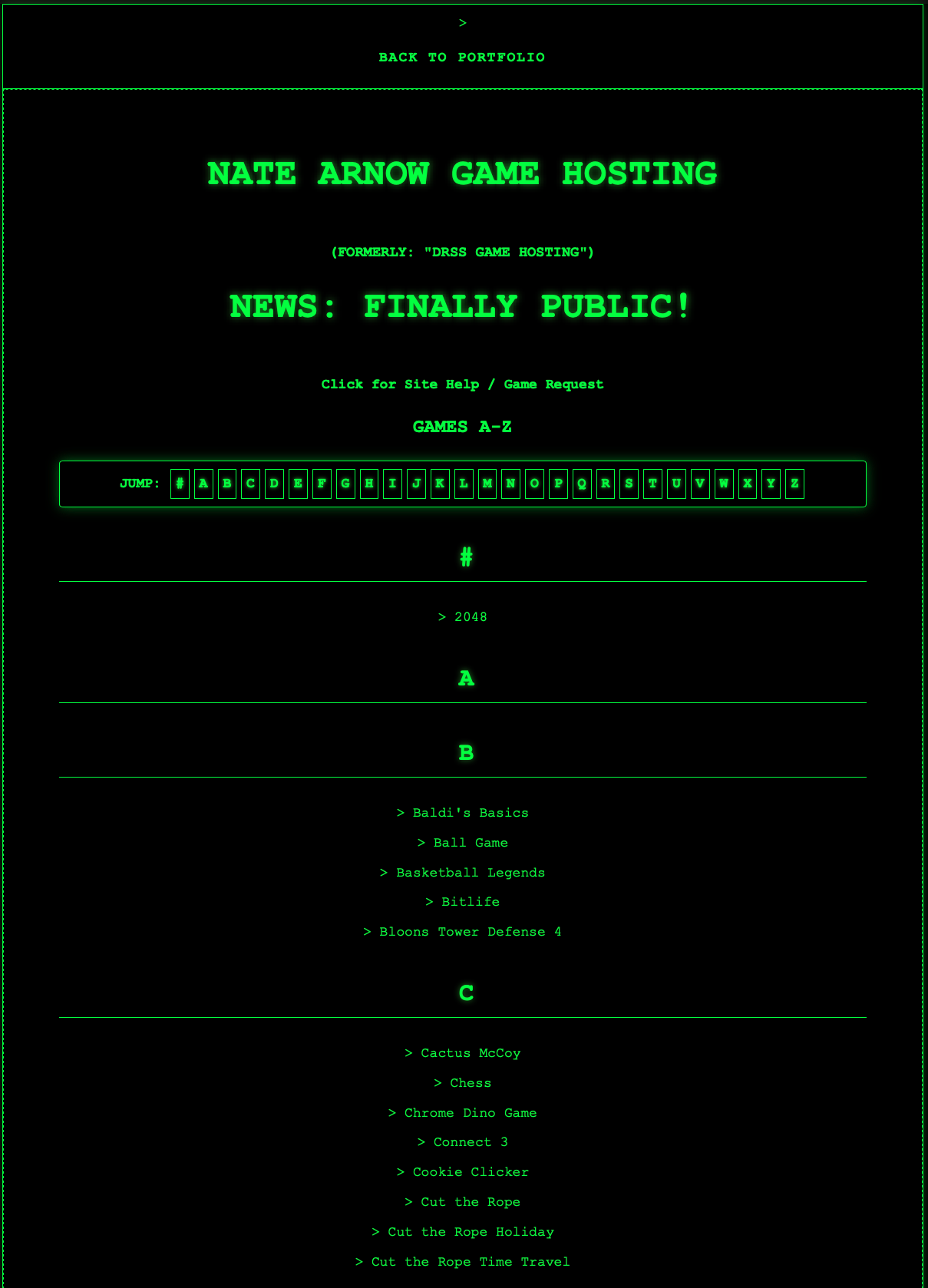
During my senior year at STEM, I began developing an online game hosting platform to bypass STEM's web blocking programs.
I made a landing page, found 60+ games online, and uploaded it all to STEM's locally hosted portfolio
servers.
Was this against the school's rules? Absolutely. Did this almost get me
suspended? Also yes.
On the bright side, I learned a lot about web-based hosting, how to
convert older flash games into HTML5 versions, and client-side authentication methods.
Before this site was
publicly available, I had a user login page that encrypted a hard-coded password and matched time-based tokens with
the receiver page for complete access control without any serverside programs or scripting at all.
All that said, click on the link below to check it out!
Game Hosting Landing Page
Right: The Games Front Page
Flockless Maps
In summer of 2026, I began exploring the coverage of Automated License Plate Readers (ALPRs), specifically ones operated by
Flock Safety, in my area.
Personally, I think that the idea of mass surveillance is unconstitutional, unjust,
and very creepy. These cameras had been popping up more and more in my area, and I was starting to wonder where I could
even go to avoid them.
Naturally, I began utilizing AI, alongside Deflock's publicly
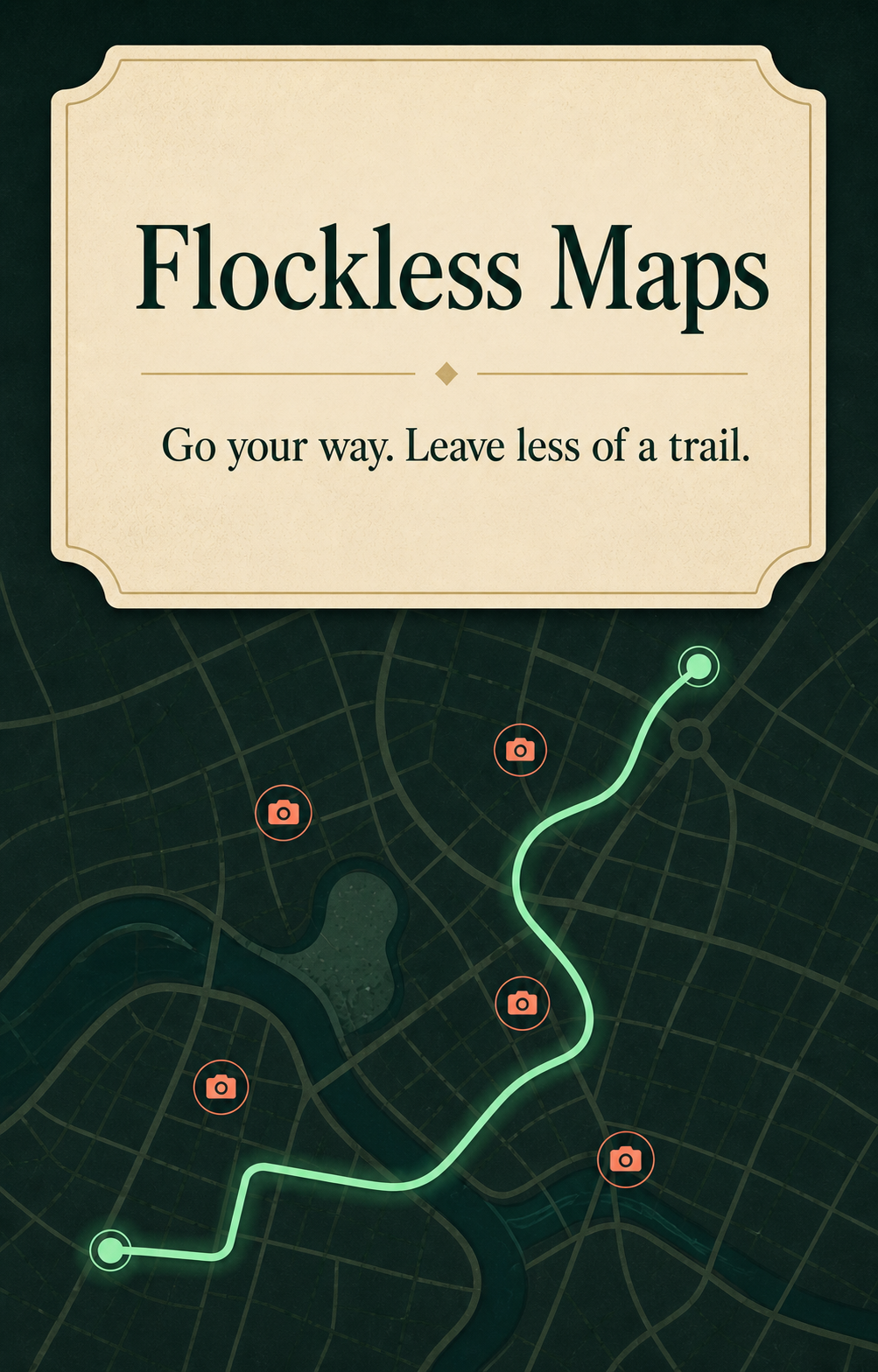
available data to create a route planning site to help people avoid these cameras.
This software is entirely
client-side and does not collect or use any personal data.
Open Flockless Maps
How it works:
First, you can use the location feature to center the map on your current location. Then, pick two points (starting point and destination) to calculate the route. The site will then calculate 3 routes: the fastest route, a balanced route, and the route with most avoidance. The fastest route disregards all cameras. The balanced route makes a compromise between route time and camera avoidance. The max avoidance route prioritizes avoiding cameras above all else, no matter how long the route may take. If a route without camera interaction is impossible, then the site will give you the route with the fewest cameras on its path.
Right: Cover Image for Flockless Maps
Inventory Tracker
My mom needed a simple inventory tracking solution for taking inventory of her freezer. I set out to create a Windows app to do this,
but developing on a Mac and testing on a Windows machine was challening. I couldn't just boot up a windows Virtual Machine and test
the app after every change, I'd have to go and unpack and install the app.
I ended up making it into a website, so I could
iterate and test across operating systems. I learned a lot about JSON files and local storage linking during this project.
Even though this project is still a work-in-progress, you can view the current version of the project below.
Open Inventory Tracker
How it works:
It uses a local JSON storage file for inventory data, which you need to create the first time you use the site. It will then link
the inventory file to the website, and should remember which file you selected. It should be noted that you can create multiple
inventory files, but it will only remember one file at a time.
You can then use the site to add, rename, remove, and
query different items. You can also keep track of how many you used or gained within a time period.
DISCLAIMER:
This site will only work on Chrome or Edge due to the file writing security restrictions on other browsers such as Safari.
Right: Screenshot of Inventory Tracker Site
